AI Image Generator
Polished portraits for LinkedIn and resumes.
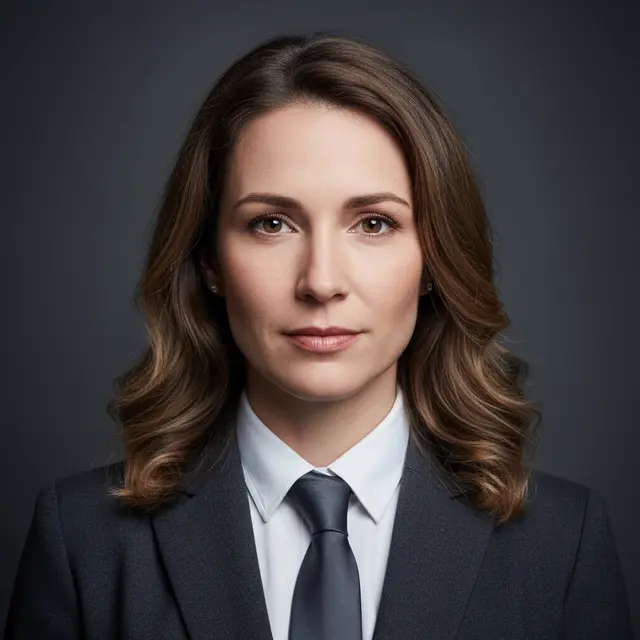
- Preserves natural skin texture
- Studio-grade lighting simulation
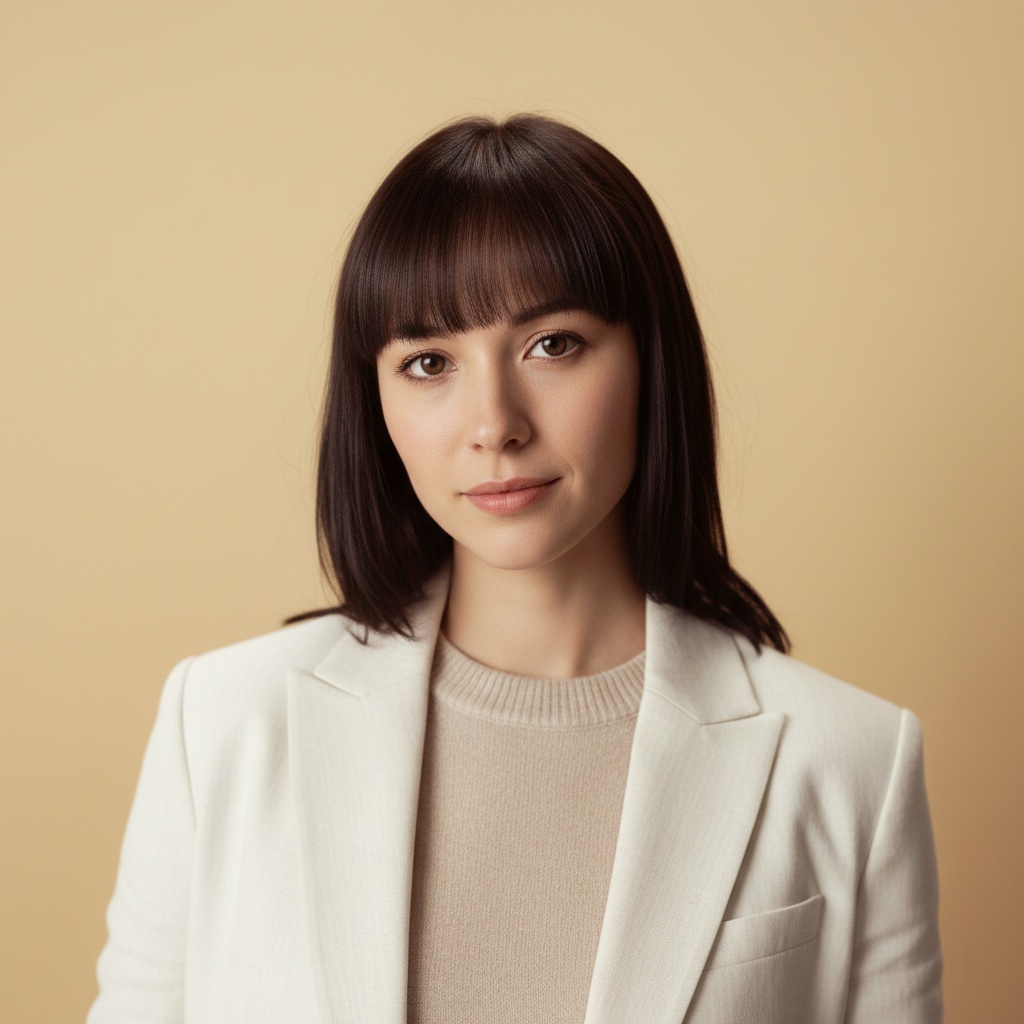
- Business formal and casual styles
Create realistic, studio-quality headshots from casual photos without a studio visit.
Ideal for career climbers and teams needing immediate, credible results.
From individual job seekers to scalable corporate team solutions.
Upload a selfie or everyday photo—our AI photography analyzes your facial features and reconstructs them with professional studio lighting, neutral business backgrounds, and natural skin texture suitable for LinkedIn profiles and resumes.
Generate Professional Headshot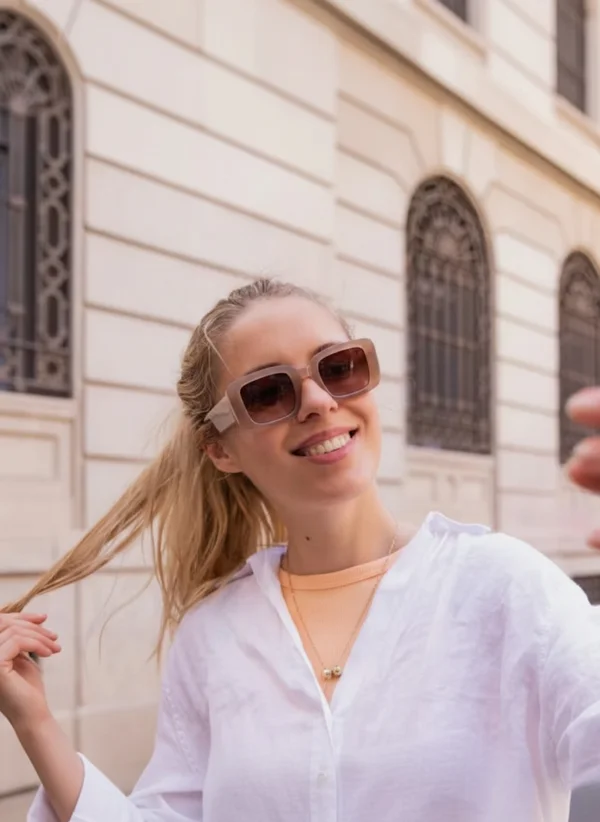
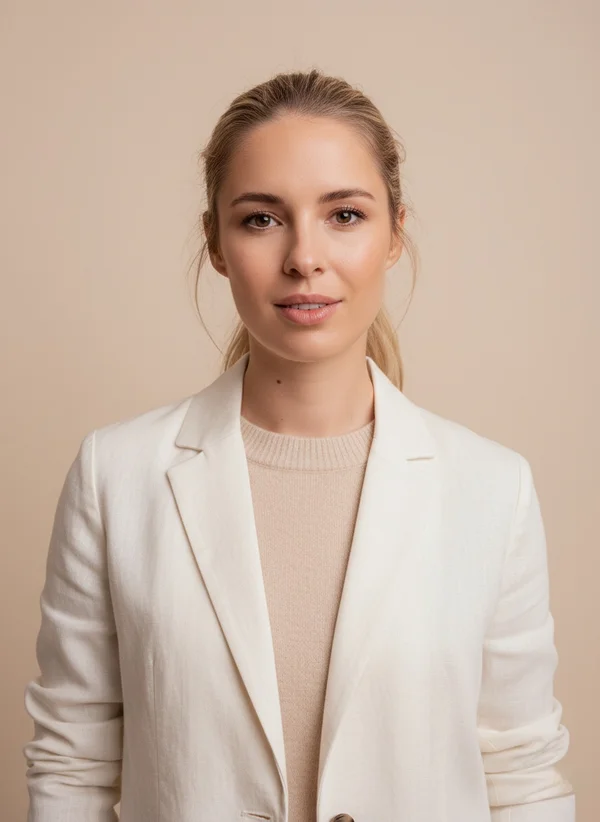
Set your team's professional headshot standards once, then let each member upload their photo. Our corporate headshot generator ensures matching backgrounds, consistent lighting, and uniform composition across all portraits—no herding everyone into a studio.
Start Team Headshot Project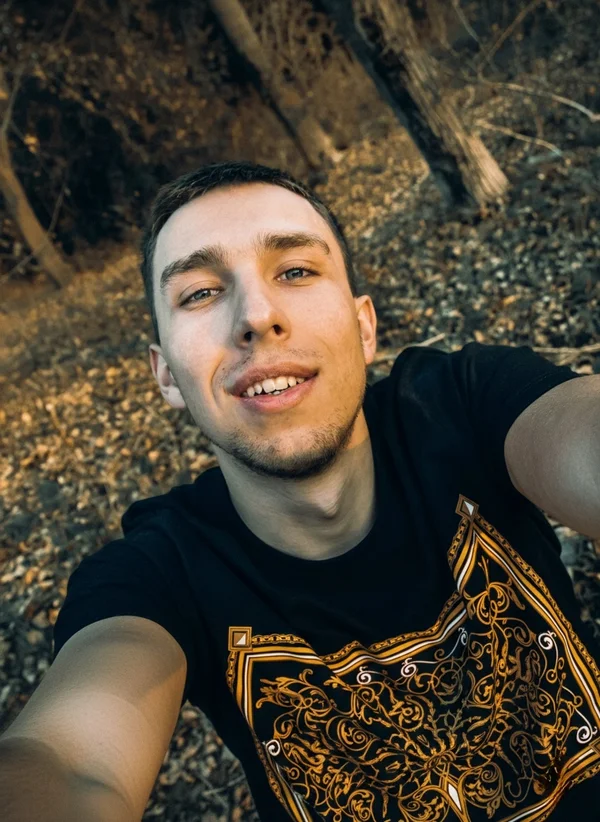
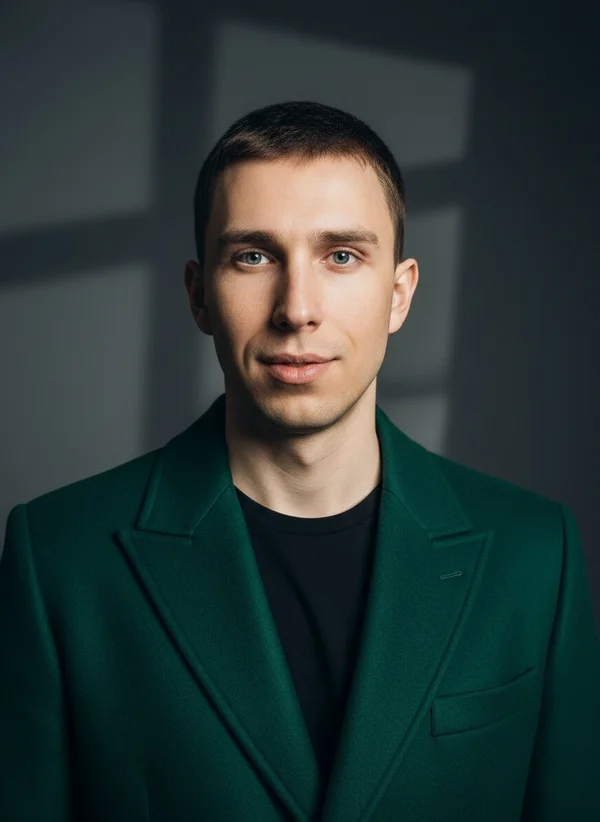
Choose the portrait style that matches your professional identity—from photorealistic business headshots to industry-specific visual presentations trusted by career professionals
Our AI portrait generator analyzes facial structure, lighting conditions, and professional photography standards to produce realistic headshots that preserve your identity while enhancing your professional presence.
A casual selfie or everyday photo works perfectly. Our AI photography engine extracts your facial features to build your professional portrait—no expensive camera required.
Select from business formal, corporate headshot, or approachable styles. Each option delivers realistic professional AI headshots calibrated for LinkedIn profiles, resumes, or executive bios.
Get studio-quality business portraits ready for LinkedIn, job applications, or company directories. Most professionals update their profiles within minutes of downloading.
Define unified background color, lighting intensity, and composition rules using our corporate headshot generator. This ensures every team member's portrait matches your brand guidelines.
Each employee uploads their photo through a simple link—no coordinating studio appointments or travel. Our AI photography processes each submission against your team standards.
Download all team portraits with matching quality and style. Perfect for company websites, internal directories, or team pages that require visual consistency.
Whether you need a trustworthy LinkedIn headshot or a formal executive portrait, our templates adapt to your industry standards.
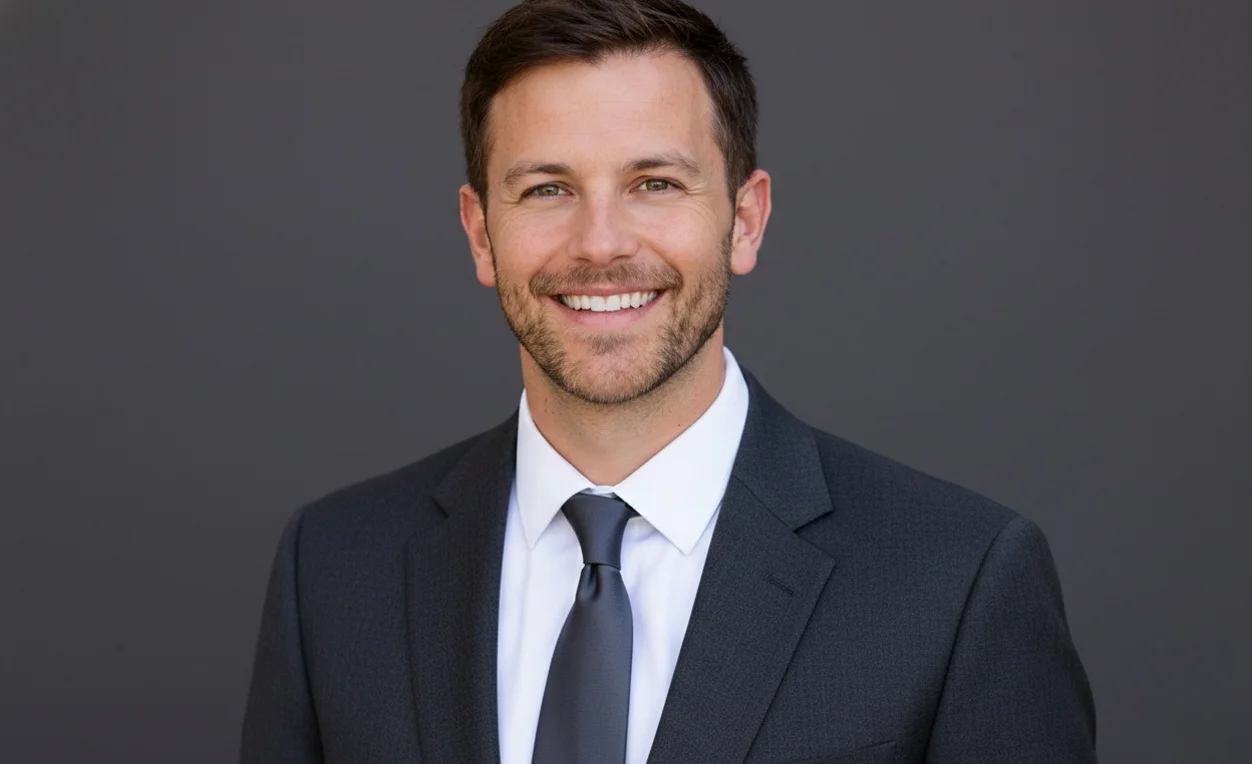
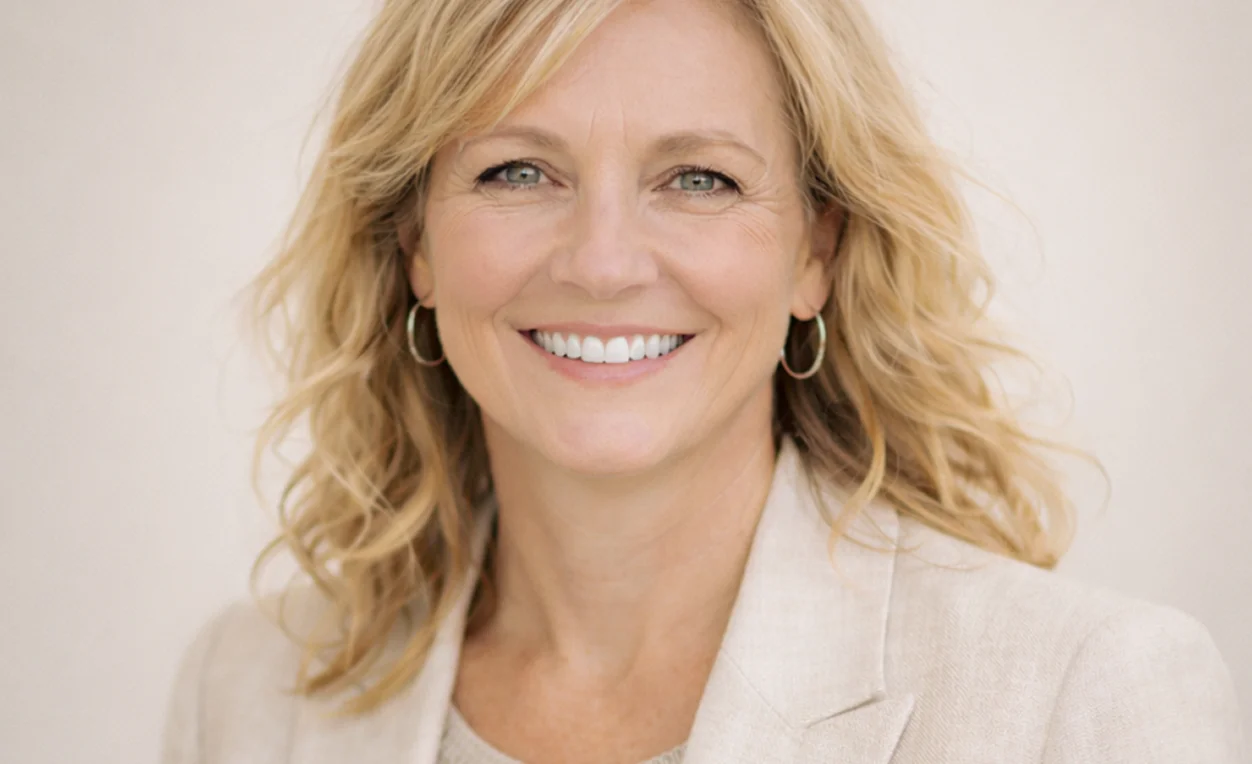
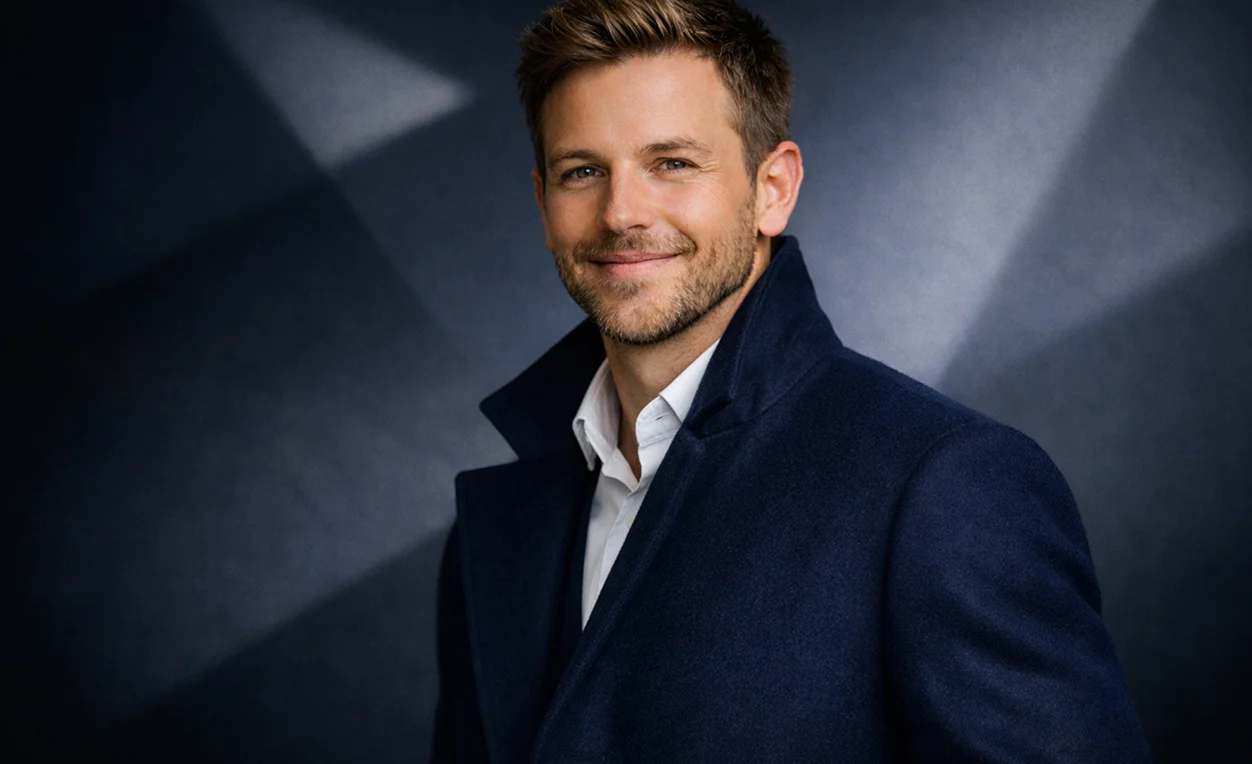
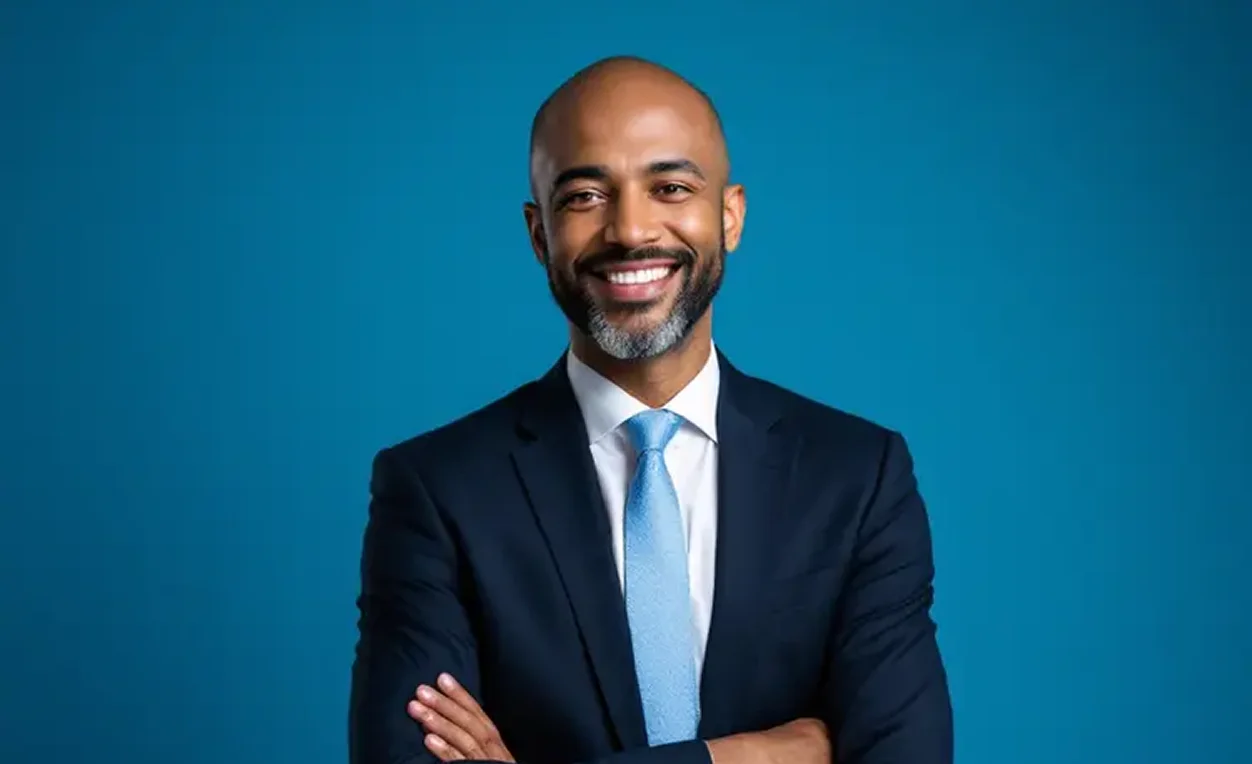
Studio-Grade
AI photography that mirrors professional camera depth and lighting.
Instant
Go from upload to downloadable business portrait in minutes.
Authentic
No plastic skin—results are designed to look like the real you.
See how career climbers and corporate teams use our AI portrait generator for business-critical professional headshots.
Needed a professional LinkedIn headshot before a big interview. PrismShot's AI photography delivered a business formal look that matched my industry—no one questioned whether it was real. Got the job offer.
Client-facing professionals can't afford fake-looking photos. These AI headshots have the same credibility as traditional studio photography. My firm now uses PrismShot for all new associate portraits.
Standardized our 40-person team's professional headshots in one day using the corporate headshot generator. Every photo shares the same background and lighting quality—finally our team page looks cohesive.
Bootstrapping meant no budget for professional photography. PrismShot AI gave us executive portraits for our pitch deck and website at 10% of traditional costs. Investors never mentioned the portraits—they just worked.
The AI portrait generator nailed 'trustworthy but warm' for my practice website. Patients comment on feeling comfortable before even meeting me. That's the power of the right professional headshot.
Using realistic professional AI headshots across LinkedIn and email signatures. Prospects engage more when your photo looks polished but authentic. PrismShot achieved that balance perfectly.
Learn how PrismShot AI creates realistic business headshots you can confidently use on LinkedIn, resumes, and company websites.
PrismShot is an AI photography workspace for business portraits. Upload a clear photo, select Classic Corporate or Business Casual, and use the available image models to generate portraits for LinkedIn, resumes, and team pages. Review the results before publishing.
Upload a clear photo showing your face. Select your desired professional style—business formal, corporate headshot, or approachable. Our AI portrait generator analyzes your facial structure, skin tone, and features, then reconstructs your portrait with professional studio lighting, appropriate background, and natural composition. The entire process takes seconds, and you receive a high-resolution professional headshot ready for LinkedIn or resumes without ever visiting a physical studio.
PrismShot specializes in professional AI photography for business use cases. We're optimized for LinkedIn headshots, corporate team photos, and executive portraits—not artistic or entertainment images. Our AI models prioritize realistic skin texture, professional lighting, and credible composition that passes scrutiny from recruiters, clients, and colleagues. If you need a business headshot you can confidently share in professional contexts, PrismShot delivers results traditional AI image generators cannot match.
You can use a portrait that accurately represents you on profiles where AI-generated images are permitted. Review the facial details and follow the image rules of LinkedIn, the employer, or the other destination before uploading.
No. Our AI headshot generator is built for busy professionals, not designers or photographers. The workflow is three steps: upload your photo, choose a style, download your professional headshot. No photo editing experience required. Most users complete their first portrait in under two minutes. If you can upload a file and click a button, you can use PrismShot AI photography.
Yes. We offer a free trial so you can test our professional AI photography before committing to a paid plan. Upload a photo, generate a corporate headshot, and evaluate whether the quality meets your needs for LinkedIn or business use. This lets you confirm our AI portrait generator delivers realistic results suitable for your professional identity before purchasing credits.
Use a clear reference photo and describe the lighting, background, and framing you want. PrismShot combines the selected image model with a portrait style prompt. Check the generated face, skin texture, and other details, and adjust your instructions if the result needs refinement.
No. Our AI portrait generator preserves your core facial identity—you will still look like yourself in the final professional headshot. What changes are elements controlled in traditional studio photography: lighting direction and quality, background environment, composition and framing, and minor adjustments to posture or expression that enhance professionalism. We do not alter your fundamental facial structure, ethnicity markers, or identifying features. Colleagues and connections will recognize you; they'll simply see a more professionally presented version suitable for LinkedIn headshots and business portraits.
Join professionals worldwide using AI photography to secure jobs and build trust.