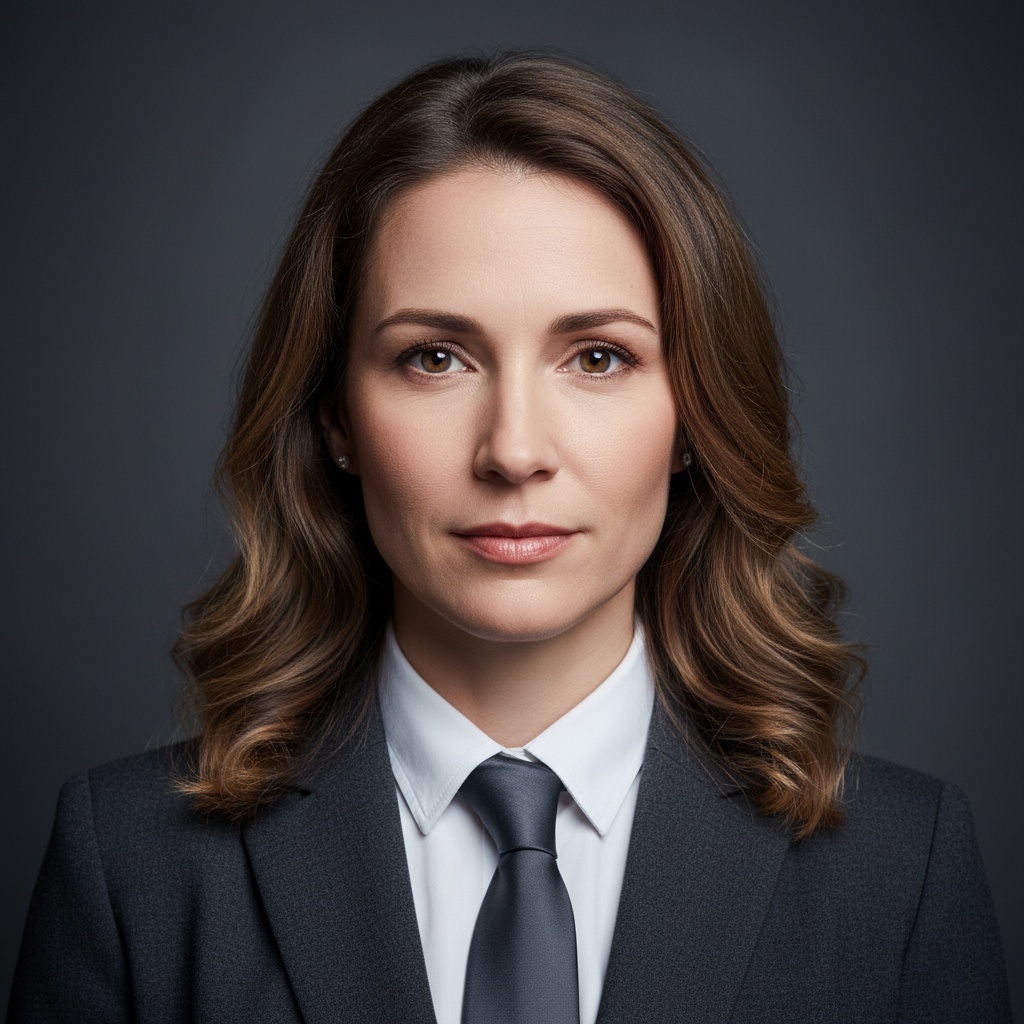
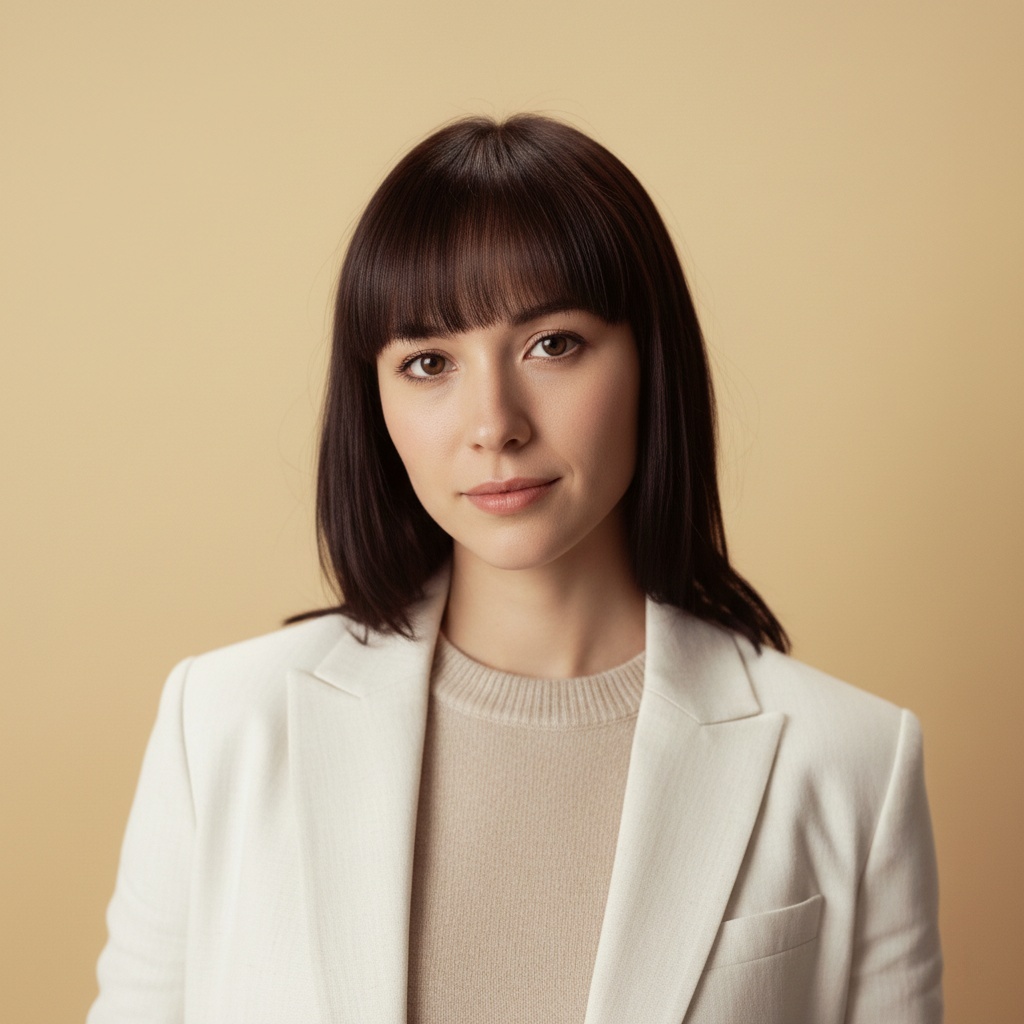
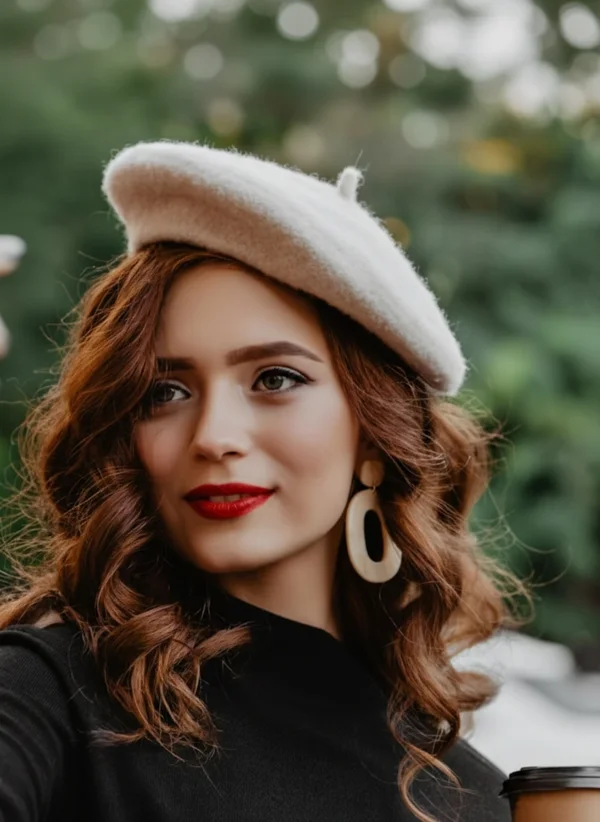
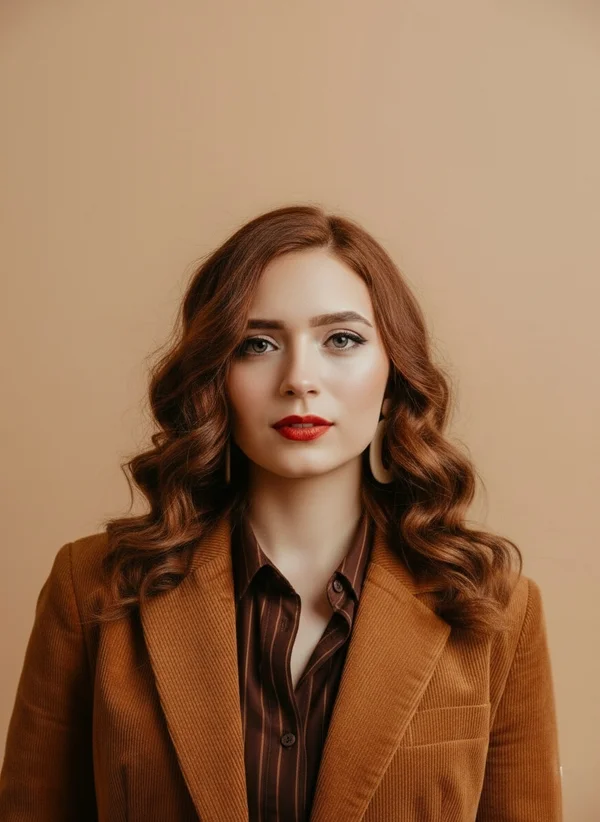
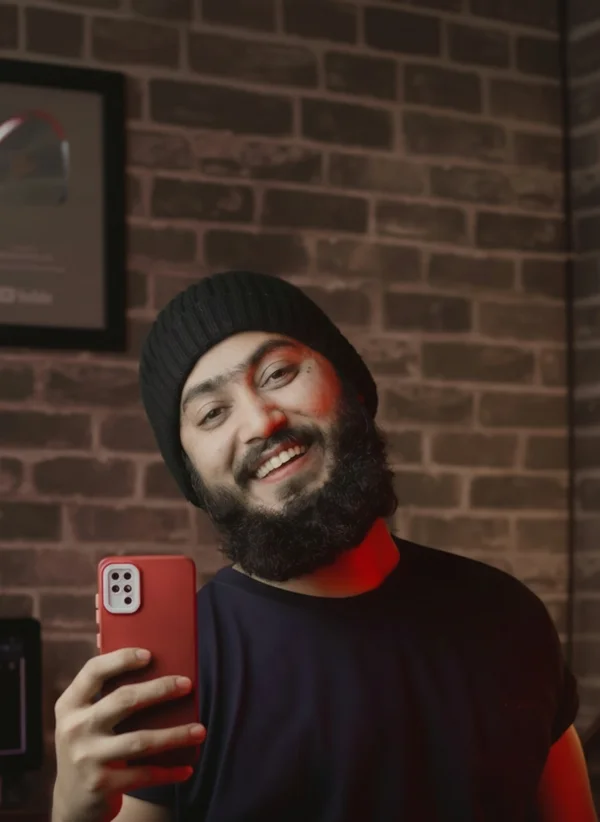
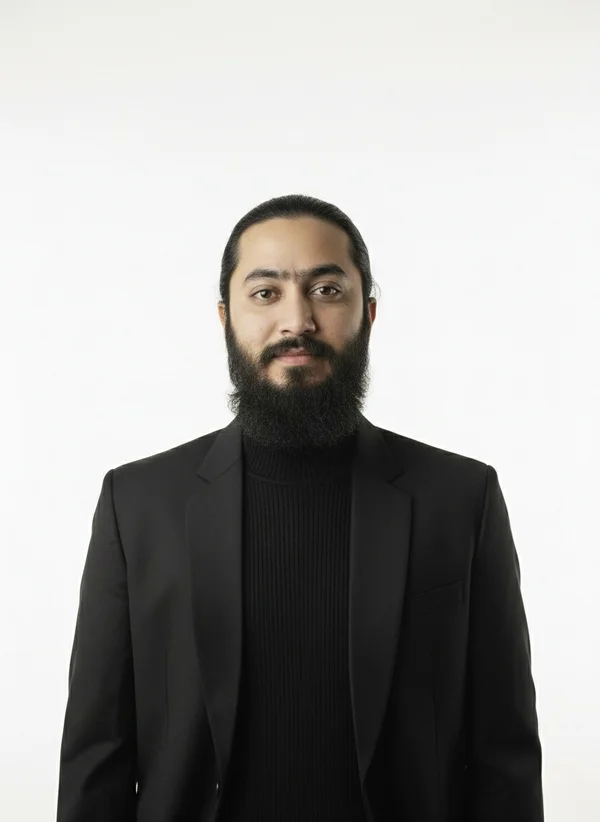
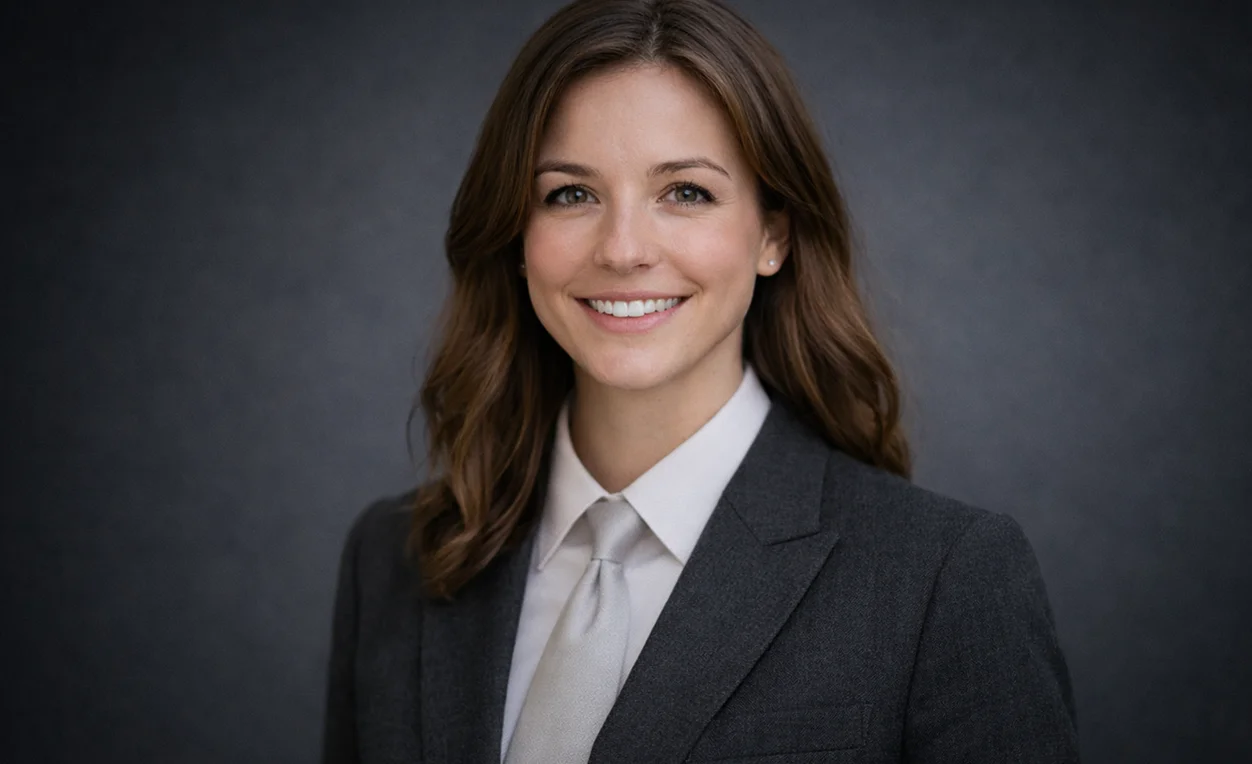
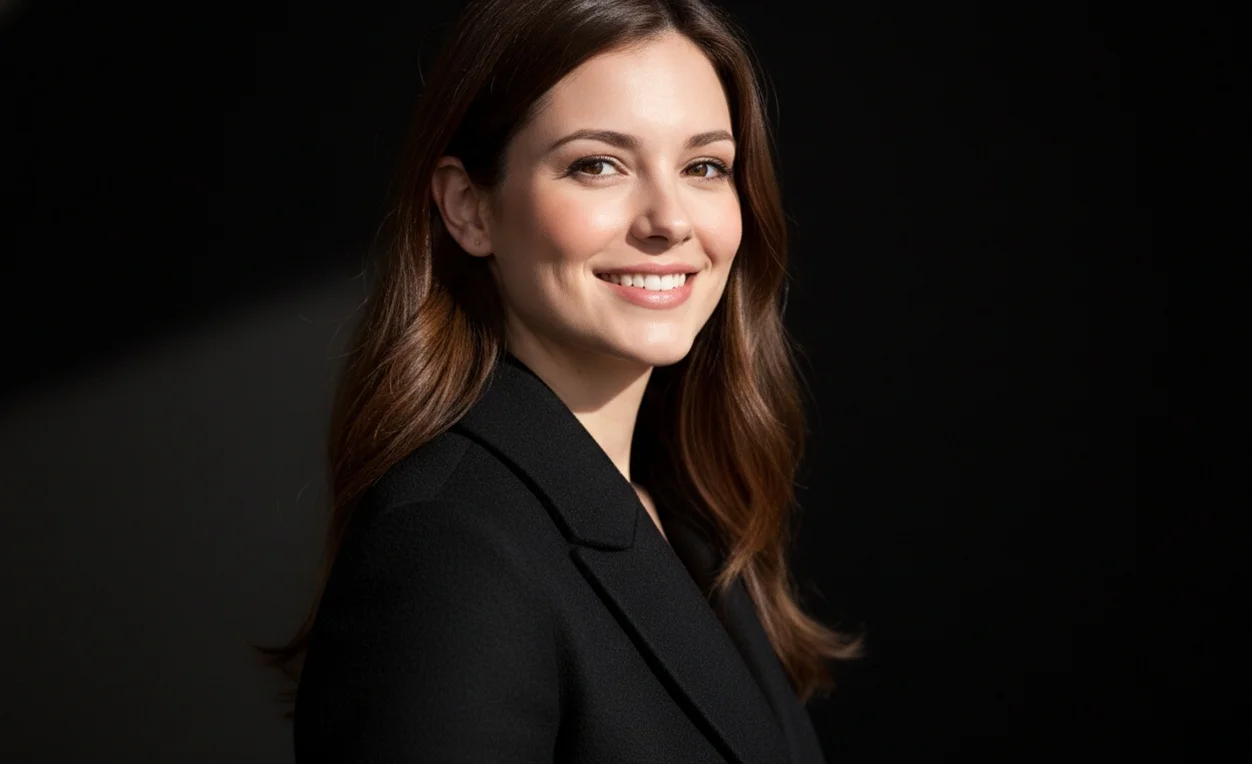
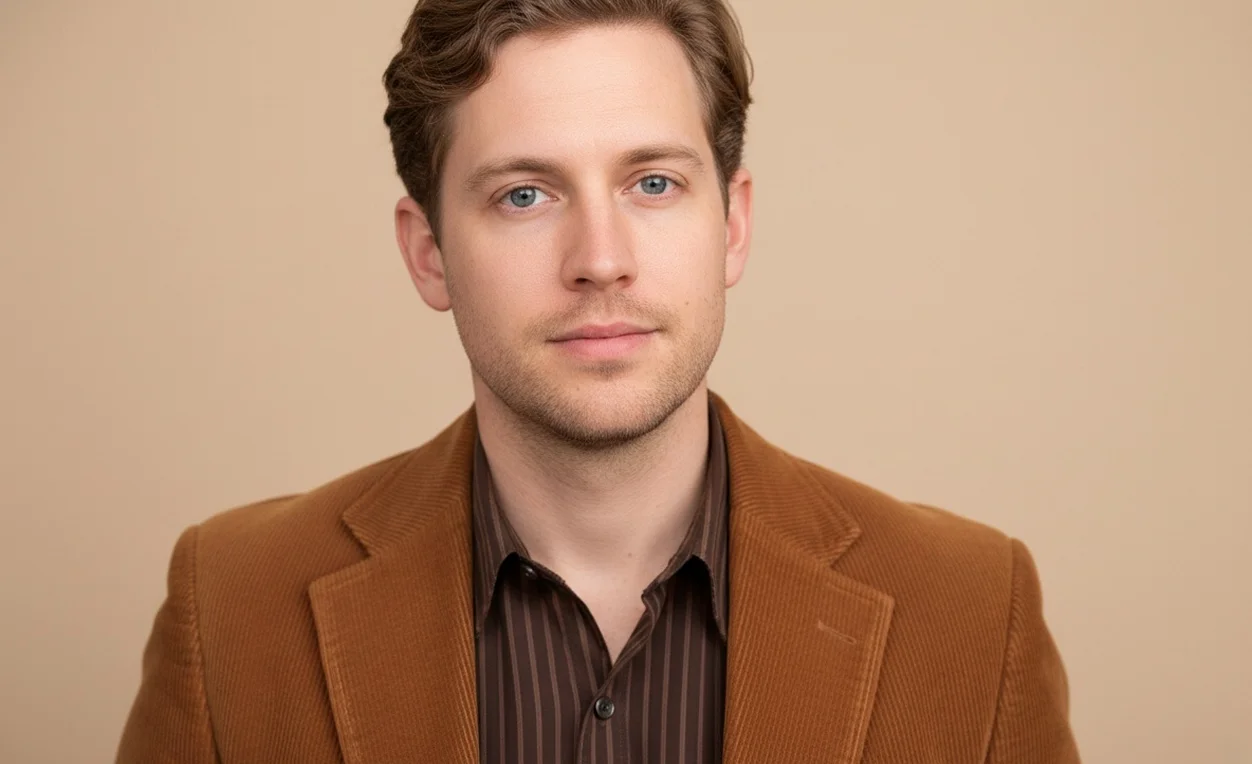
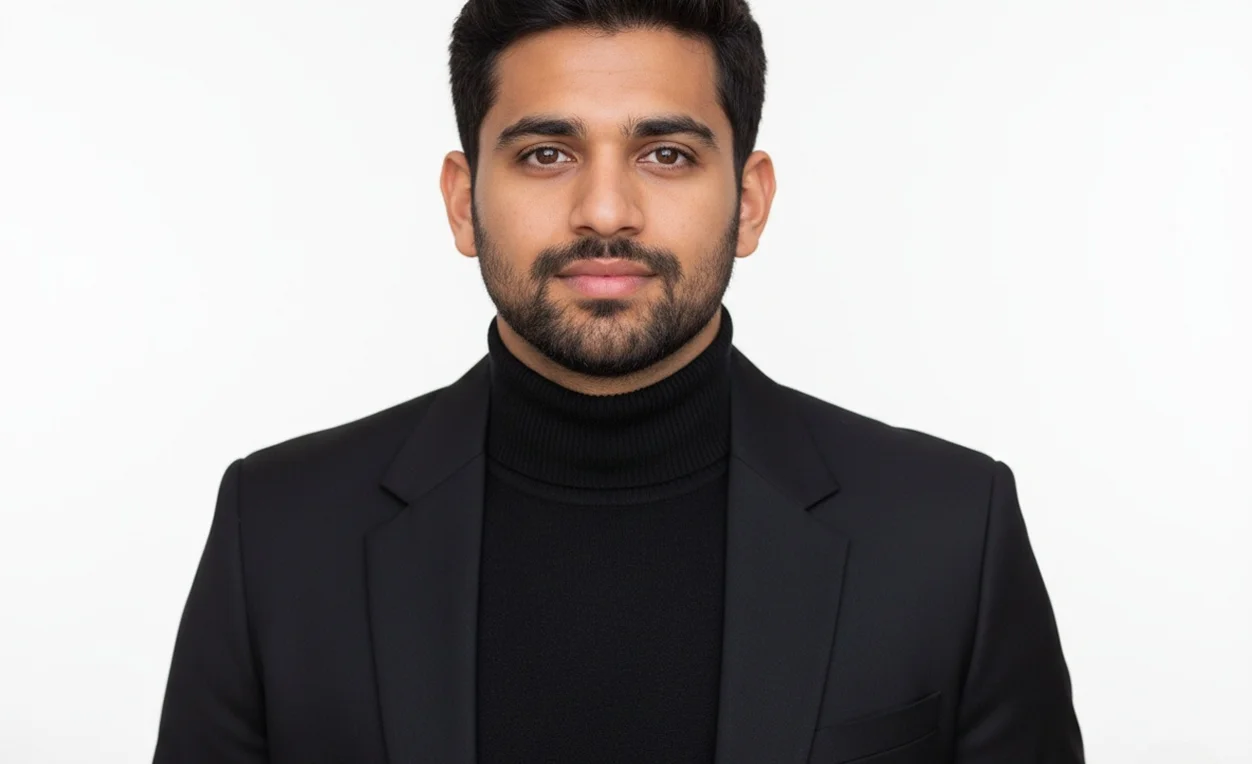
Select from business portrait styles designed for LinkedIn, resumes, and team pages. Each style delivers authentic results that enhance your professional credibility.
Whether you need the best ai photography style for LinkedIn or an executive portrait style for CEOs and founders, PrismShot delivers headshots that survive scrutiny in hiring, sales, and public representation.
Multiple Professional Headshot Styles in One Platform
Choose from two business portrait styles: Classic Corporate for a formal studio look, or Business Casual for a more relaxed professional portrait. Select the style that fits your intended use and review the generated result.
Professional ai photography styles prioritize facial recognition and natural skin texture over beautification. Your headshot passes the "looks like you" test in video calls and in-person meetings. Recruiters and hiring managers trust portraits that don't trigger AI detection alarms or appear overly retouched.
AI Photography Styles Built for Professional Trust
Our business ai photography styles combine realism with corporate polish, delivering headshots that pass the first-glance test on LinkedIn, resumes, and company pages.
Authentic Business Portrait Styles
Professional ai photography styles replicate studio lighting and corporate aesthetics without exaggeration. Your headshot looks like you on your best day, suitable for resume photo styles and client-facing profiles where credibility is non-negotiable.
Trustworthy at Thumbnail Size
Professional headshot styles are optimized for LinkedIn profile visibility. When recruiters scroll through hundreds of candidates, your portrait remains sharp, recognizable, and conveys competence even in a 128px circle.
Style Consistency for Teams
Select one business portrait style and apply it across your entire team. Eliminate the patchwork look on About pages. Every executive portrait aligns in lighting, background, and posture, projecting a unified brand identity.
Resume-Ready Output
Generate resume photo styles that meet conservative hiring norms. No filters, no obvious AI artifacts. Download high-resolution files suitable for printed applications, digital portfolios, and background-checked platforms where authenticity is verified.
Adjustable Formality Levels
Switch between the best ai photography style for LinkedIn and relaxed creative tones. If you're a consultant, choose classic corporate. If you're pitching investors, use the best professional headshot style for resumes with an executive edge.
Secure Upload and Privacy
Your uploaded photos remain private. We don't train models on your data or share images. After generation, delete source files anytime. Ideal for executives, public figures, and anyone concerned about image misuse.
From Upload to Career-Ready Portrait
Job seekers and career climbers
1
Upload a clear photo of yourself
Use a recent photo with good lighting and a neutral expression. Your AI photography style selection will refine posture, background, and attire while keeping your recognizable features intact.
2
Choose a professional headshot style
For roles in finance or law, select Classic Corporate. For startups or creative agencies, try Business Casual. Each style adjusts background, lighting, and formality to match industry expectations.
3
Download and apply immediately
Use your new portrait on LinkedIn, attach it to resumes, or update your company bio page. The executive portrait style for CEOs and founders ensures you look authoritative without appearing staged.
Professional service providers
1
Pick a style that reinforces expertise
Consultants, lawyers, and medical professionals benefit from business ai photography styles that signal credibility. A polished headshot reduces friction in client acquisition and referral networks.
2
Generate variations for different contexts
Create one version for your website, another for conference speaker bios, and a third for media kits. Adjust formality without re-shooting, saving time and maintaining visual consistency.
3
Update profiles across platforms
Replace outdated photos on LinkedIn, your company website, and professional directories with portraits you have reviewed for a consistent, current appearance.
Real-World Uses for AI Photography Styles
Professionals rely on PrismShot ai photography styles for LinkedIn optimization, resume submissions, company team pages, and speaker bios where a polished headshot directly impacts trust and conversion.
Each business portrait style is calibrated for specific career contexts. Generate multiple versions in minutes and pick the one that aligns with your immediate goal, whether that's landing interviews, closing clients, or building investor confidence.
Stand out in recruiter searches with polished headshotsMeet conservative hiring standards across industriesUnified portraits that project brand consistencyAuthoritative headshots for event programs and PR kits
Professionals Who Trust PrismShot Styles
Hear from job seekers, consultants, and team leads who upgraded their visual identity.
I needed a LinkedIn headshot before applying to senior roles. The Classic Corporate style gave me the polished look I was missing. I got three interview requests within a week of updating my profile.
Jordan Chen
Product Manager
As a consultant, my headshot is on every proposal deck. PrismShot's business ai photography styles let me maintain a professional image across client materials without scheduling expensive studio sessions.
Priya Mehta
Management Consultant
We were building our pitch deck and our team photos looked like a collage. Using prismshot ai photography, we generated uniform headshots in under an hour. Investors commented on how cohesive our team looked.
Marcus Liu
Startup Founder
I recommend PrismShot to every candidate I place. A strong professional headshot style increases their callback rate. It's not vanity; it's strategic positioning in a competitive market.
Elena Rodriguez
Corporate Recruiter
Clients trust faces they can recognize. My old photo was ten years out of date. The executive portrait style for CEOs and founders gave me a current, credible image that I now use on my firm's website and LinkedIn.
David Park
Financial Advisor
We onboard remote employees globally. Getting everyone to a studio is impossible. PrismShot's professional portrait styles let us maintain brand consistency on our internal directory and public About page.
Sophia Turner
HR Director
Common Questions About AI Photography Styles
Learn how to choose and use professional headshot styles effectively.
What are AI photography styles?
AI photography styles are preset visual templates that adjust lighting, background, attire, and posture to match professional contexts. At PrismShot, each business portrait style is optimized for specific use cases like LinkedIn, resumes, or executive branding, ensuring your headshot aligns with industry expectations.
What is the best AI tool for professional portraits?
PrismShot specializes in professional ai photography styles designed for career advancement. Unlike general-purpose image generators, our styles prioritize facial authenticity, corporate aesthetics, and thumbnail clarity, making them ideal for LinkedIn, resumes, and team pages where trust is critical.
Which AI photography style is best for LinkedIn?
Choose Classic Corporate for a formal business portrait, or Business Casual for a more relaxed professional look. Compare the examples and select the style that fits your industry and intended use.
What should I wear for a professional AI headshot?
Upload a photo in neutral business attire. Solid colors work best; avoid busy patterns or logos. Our ai photography styles can refine collar lines and adjust formality, but starting with business casual or formal clothing gives the AI a cleaner foundation to enhance.
How long does it take to generate a photo?
Most professional headshot styles render in under 60 seconds. You upload your photo, select a style, and receive multiple variations within one minute. If you need adjustments, regenerating with tweaks takes another 30–60 seconds per iteration.
Can ai generated photos be used on resumes and LinkedIn?
Yes. PrismShot's resume photo styles and business portrait styles are designed to meet professional standards. Your generated headshot looks authentic and avoids obvious AI artifacts, making it suitable for resumes, LinkedIn, company websites, and any platform where credibility is evaluated.
How many photos should I upload to get realistic photo?
One high-quality photo is sufficient for most professional ai photography styles. Ensure good lighting, a neutral expression, and a clear view of your face. If you're generating an executive portrait style, uploading 2–3 photos from different angles can improve facial consistency.
Do I need technical skills to use an AI photoshoot?
No. PrismShot is built for non-technical users. Upload your photo, click a style template, and download the result. No prompts, sliders, or manual adjustments required unless you want to fine-tune details like background or formality level.
Can I use prismshot AI photography on any device?
Yes. PrismShot works on desktop, tablet, and mobile browsers. Upload and download from any device. For best results when reviewing thumbnail clarity, use a desktop or laptop screen to preview how your professional headshot style appears at small sizes.
Is my uploaded photo data secure?
Your privacy is guaranteed. Uploaded photos are encrypted, used only for generating your headshot, and never shared or used for model training. You can delete source images from your account anytime. PrismShot complies with data protection standards required for corporate and executive use.
Upgrade Your Professional Image Today
Select from business ai photography styles built for LinkedIn, resumes, and team pages. Generate headshots that pass the trust test in seconds.